안녕하세요. 제쓰로입니다.
LiDAR 장비로 PCD 데이터를 수집 한 뒤,
이것을 Unity3D 에서 시각화 하기위한 plugin 을 소개하겠습니다.
그전에 앞서,
혹시Unity3D 6 프로젝트를 실행하면서 아래 그림의 윈도우를 본적 있으신가요?


https://x.com/_kzr/status/1847166252797829397?s=20
X의 Keijiro Takahashi님(@_kzr)
Enjoying #unity6 ? I had the pleasure of creating its key art visual — using Unity 6, of course!
x.com
Keijiro Takahashi PCX 를 소개하도록 하겠습니다.
Github
https://github.com/keijiro/Pcx
GitHub - keijiro/Pcx: Point cloud importer & renderer for Unity
Point cloud importer & renderer for Unity. Contribute to keijiro/Pcx development by creating an account on GitHub.
github.com
사용법 1: Keijiro Takahashi PCX - UnityPackage Import
1. Release 로 들어가기
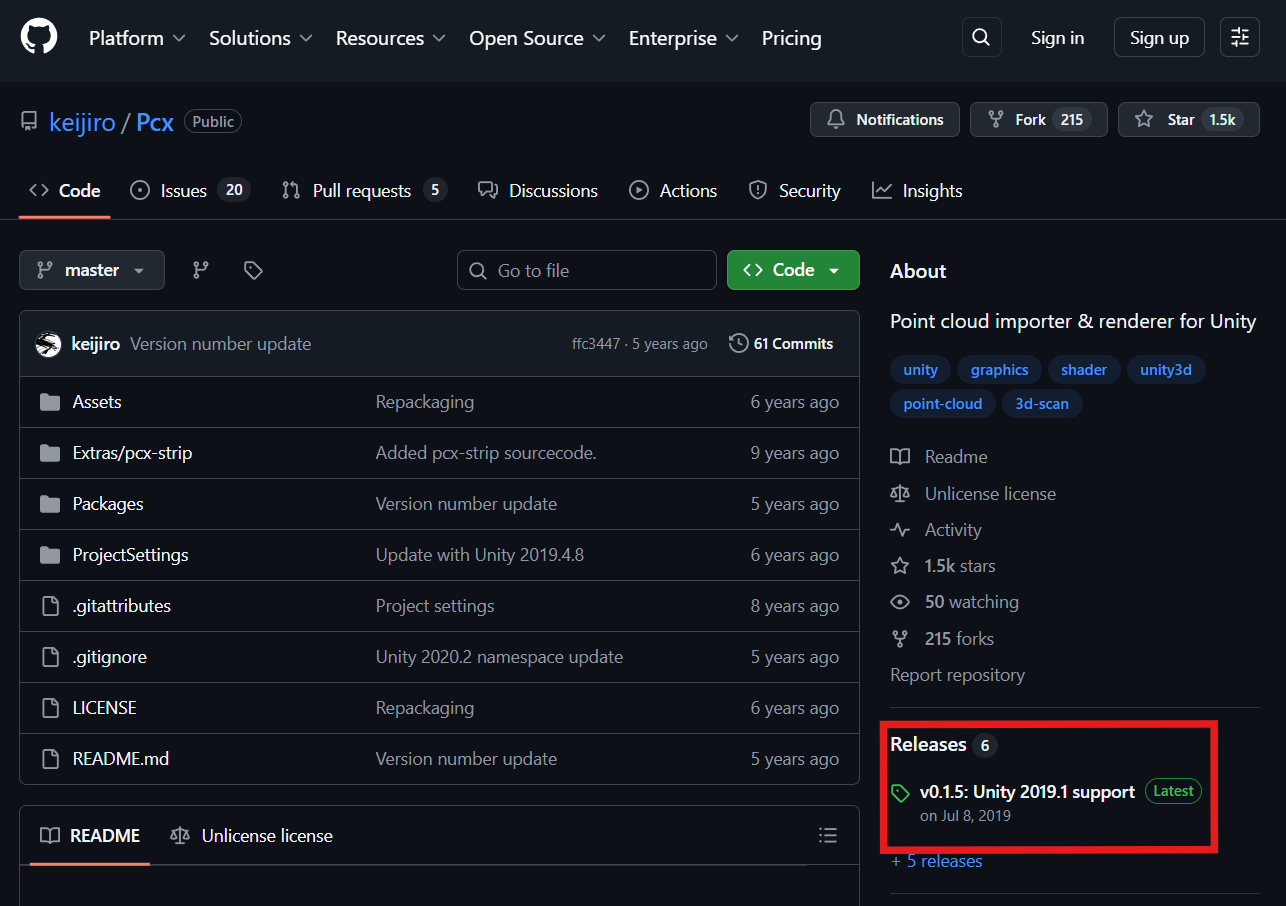
2. 패키지 다운

3. Unity3D 에 Import


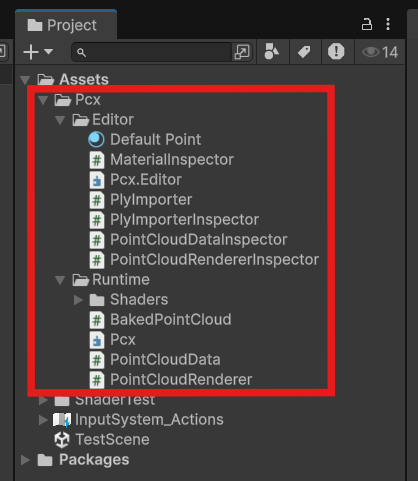
사용법 2: 사용가능한 데이터로 가공 (PCD -> PLY(binary))

1. PCD 데이터 구하기
1-1 링크 들어가서 몇초기다리면 다운로드 시작 됨. (이쁘지가 않아서 1-2로 테스트)
https://sourceforge.net/projects/pointclouds/files/PCD%20datasets/office.zip/download
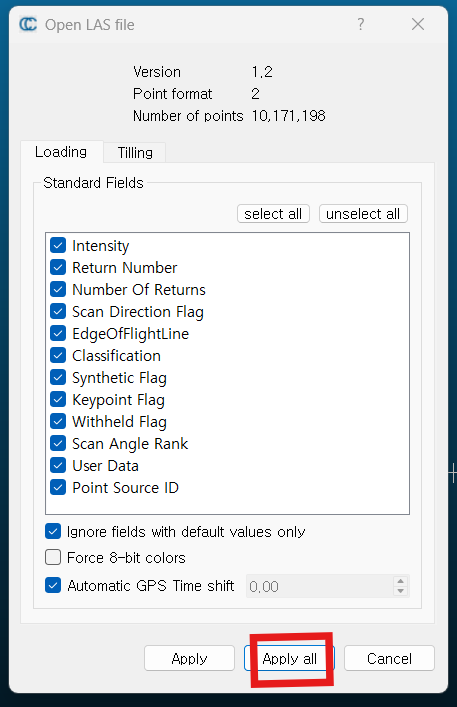
1-2 공공데이터포탈 에서도 다운 로드 가능. (PCD 파일은 아니지만..LAS...? CloudCompare 에 오픈 가능)
https://www.data.go.kr/data/15111216/fileData.do

2. CloudCompare 에서 PCD 데이터 오픈
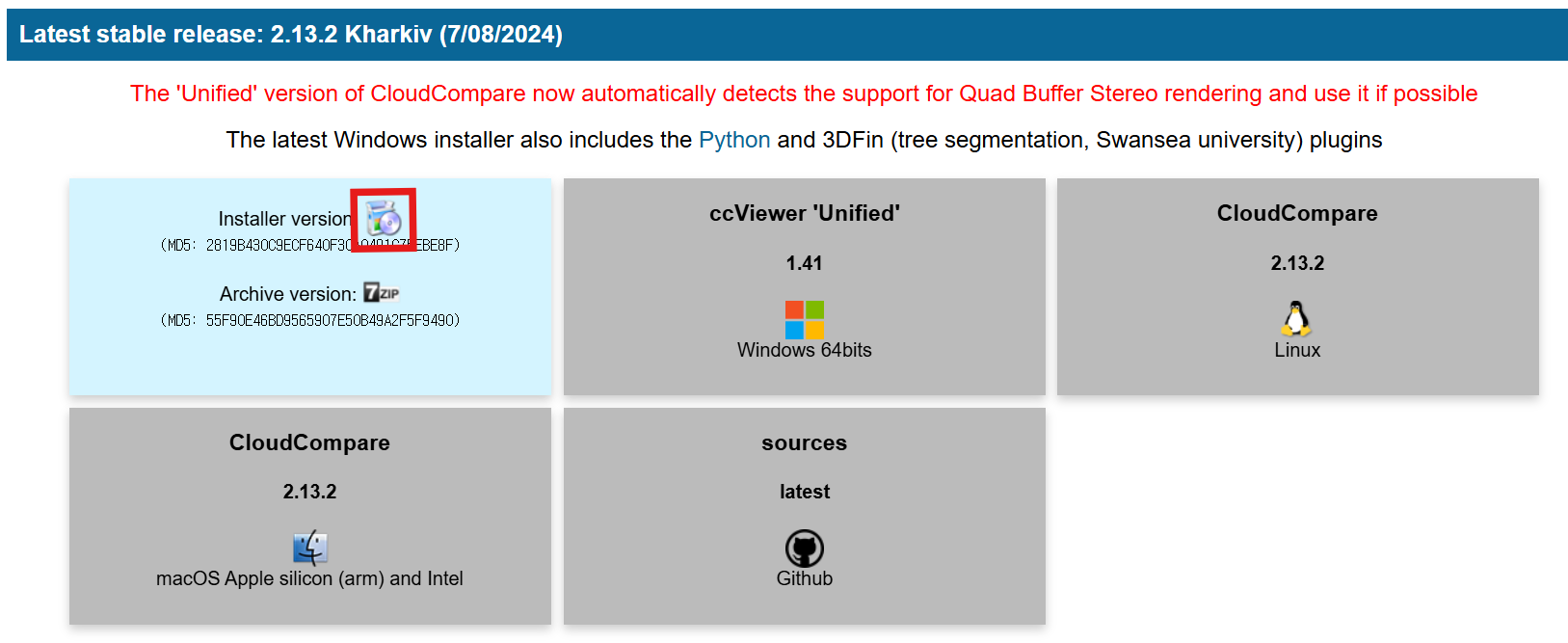
*만약 CloudCompare 가 설치가 안되었다면 👇🏻펼치기
https://www.cloudcompare.org/release/
CloudCompare - Downloads
CloudCompy, by Paul Rascle This project allows one to load clouds and access their internal data as numpy arrays, call some of CloudCompare's algorithms, apply your own processes, and save the result. the reference documentation can be found here the lates
www.cloudcompare.org

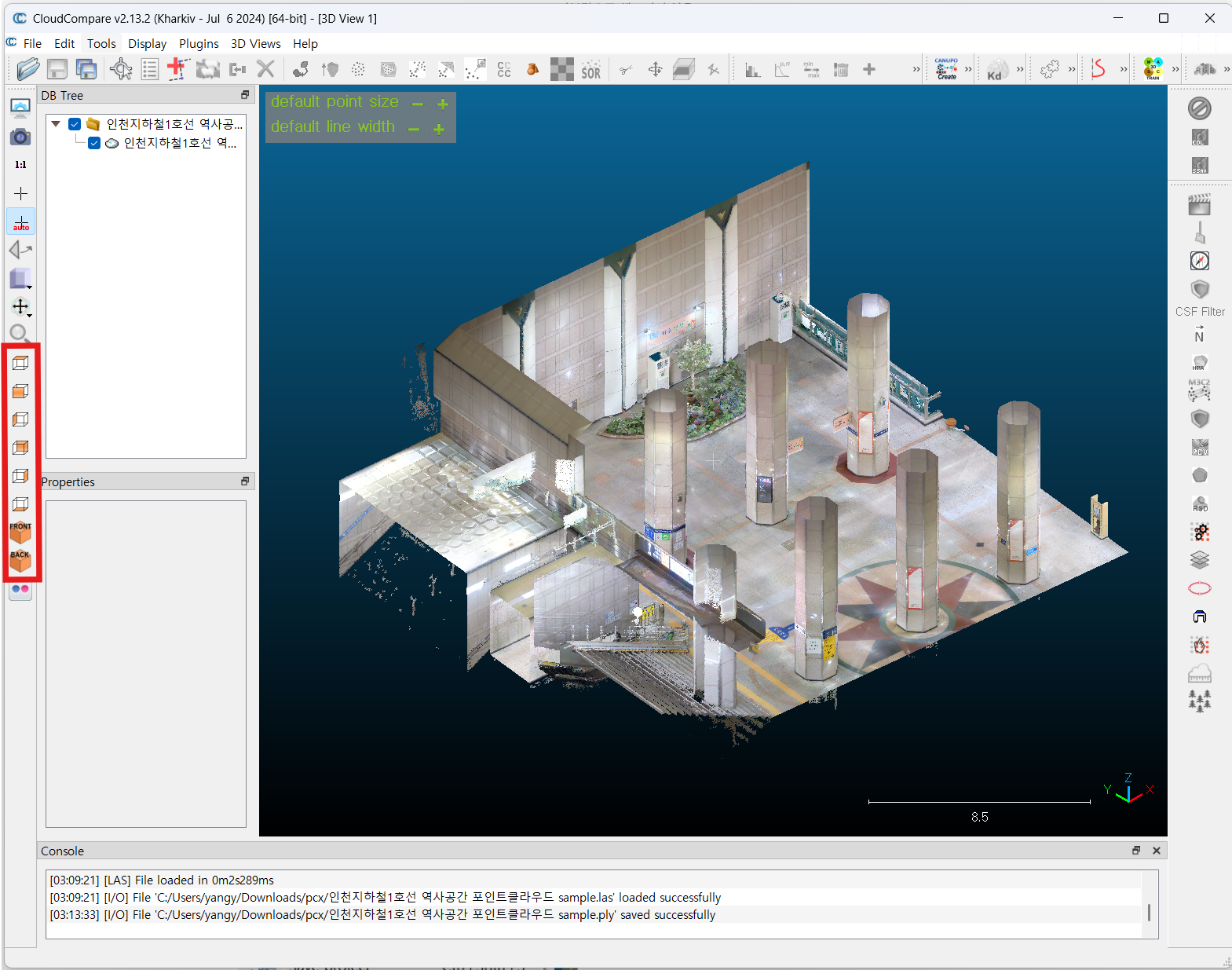
3. CloudCompare 에서 PCD 데이터를 다른 포맷으로 저장(PLY)


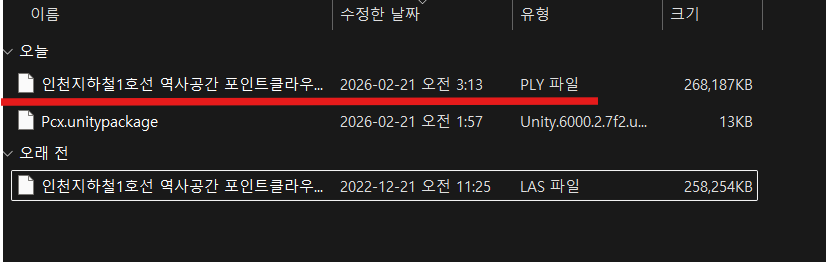
4. PLY 데이터를 Unity 프로젝트로 Import

5. Unity Scene 에 띄워보기
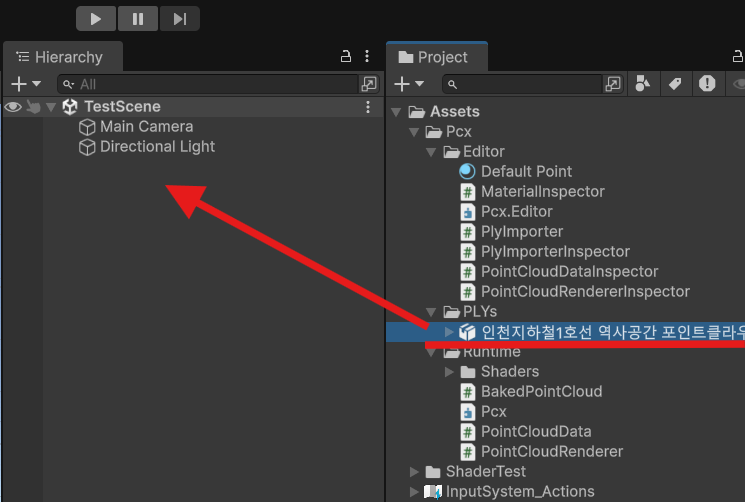

마무리
그런데 좀 이상하지않나요?
CloudCompare 에서는 똑바로 서있던 Point Cloud Data 가 유니티에서는 누워있는데?
좌표계가 달라서 그렇습니다.
1️⃣ Unity 좌표계
Unity는 기본적으로:
- Left-Handed 좌표계
- Y-Up
- 축 방향
- X → 오른쪽
- Y → 위
- Z → 앞(Forward)
2️⃣ PCD 좌표계 (일반적인 경우)
PCD는 Point Cloud Library (PCL) 기반 포맷인데,
센서/생성 환경에 따라 다름 ⚠️
보통 LiDAR / ROS 쪽에서 많이 쓰는 형태는:
- Right-Handed 좌표계
- 대부분 Z-Up 또는 Z-Forward
- 자주 보는 형태:
🔹 ROS/LiDAR 스타일
- X → 앞
- Y → 왼쪽
- Z → 위
3️⃣ 실제로 변환할 때 생기는 문제
Unity에 PCD 그냥 넣으면:
- 위아래 뒤집힘
- 좌우 반전
- 90도 돌아감
- 거울처럼 보임
이유는:
| Handedness | Right | Left |
| Up Axis | Z | Y |
| Forward | X | Z |
다음 글에서는 좌표계 변환을 다뤄보겠습니다.